
Indicators
We offer NinjaTrader indicators with the highest level of detail based on years of experience trading futures and creating custom products for clients.
Indicators products

Duplicate Account Actions
Copies positions and orders across all your accounts in real time
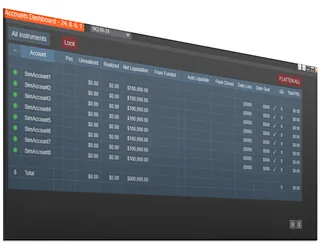
Account Risk Manager
Automatic daily-loss limits, drawdown tracking, and auto-liquidate protection

Accounts Dashboard Suite
Duplicate Account Actions + Account Risk Manager, in one dashboard
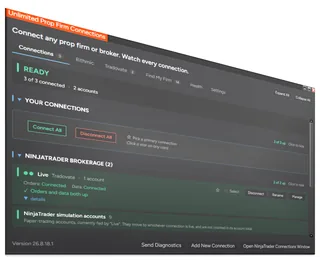
Unlimited Prop Firm Connections
Connect several Rithmic prop firm accounts at once in NinjaTrader 8
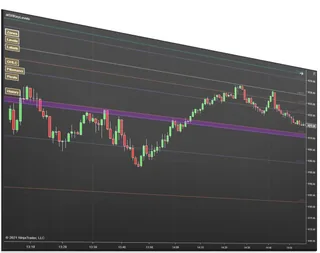
Key Levels Confluence
Merges pivots, Fibonacci, and key levels into high-reaction confluence zones
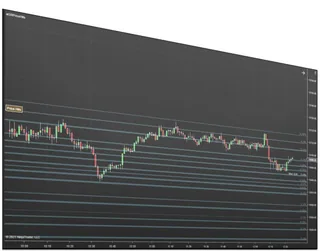
Price Action Confluence
Builds support and resistance zones from real price-reaction history
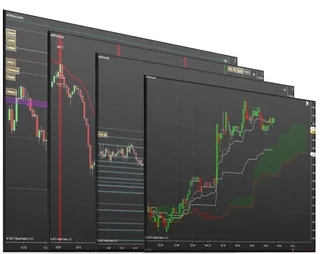
Support and Resistance Suite
All our support & resistance indicators plus 2 signal tools
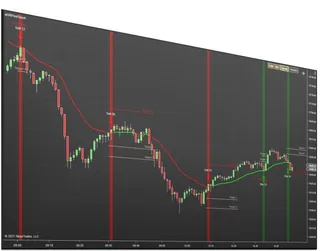
First Touch Signals
Signals, targets, and stops on the first touch of a moving average
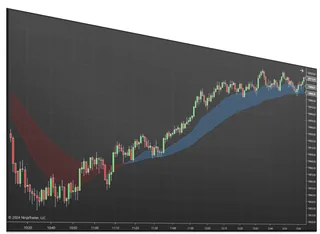
Best MAs Trend Indicator
Two moving averages with a filled trend zone and higher-timeframe views
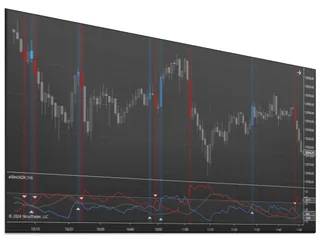
Best ADX Indicator
Measure how strong a trend is on a 0 to 100 strength scale
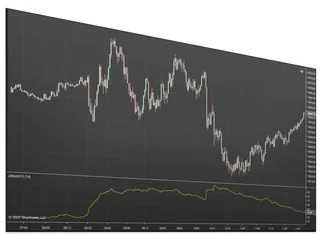
Best ATR Indicator
See how volatility is shifting by comparing current ATR to prior weeks
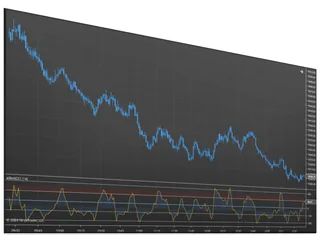
Best CCI Indicator
An oscillator that flags trend shifts and overbought or oversold turns
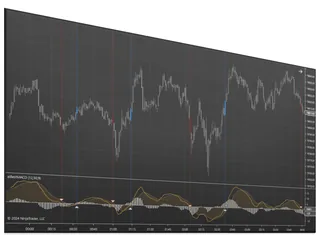
Best MACD Indicator
Read momentum from the MACD line, signal, and histogram
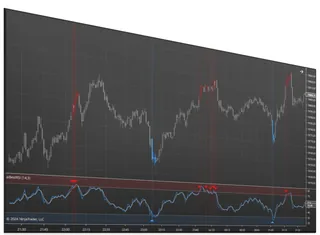
Best RSI Indicator
Spot overbought, oversold, and reversals with a flexible RSI
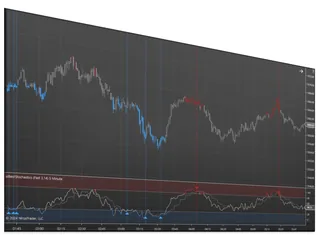
Best Stochastics Indicator
A momentum oscillator that flags turns before price moves
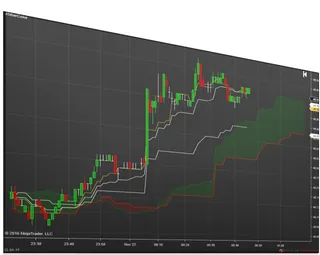
Ichimoku Cloud Signals
The full Ichimoku Cloud with up to five configurable signal arrows
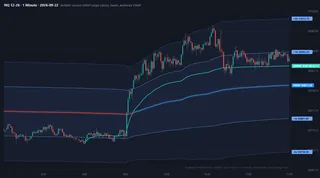
VWAP Studio
Plot session, weekly, monthly and anchored VWAPs with standard deviation bands and alerts on any…
About Indicators
This is every indicator and trading tool we sell for NinjaTrader Desktop (NinjaTrader 8) in one place: trend and classic studies, support and resistance zones, VWAP, order flow, and the account tools traders use to run several accounts at once.
Account tools: Duplicate Account Actions copies trades so positions and orders stay in sync across all your accounts; the Account Risk Manager manages risk on prop firm, funded and personal accounts; the Accounts Dashboard Suite combines both in one window; and Unlimited Prop Firm Connections lets you connect more than one Rithmic prop firm at a time. Chart indicators: VWAP Studio, Key Levels Confluence, Price Action Confluence, First Touch Signals, Ichimoku Cloud Signals, and multi time frame versions of the moving average, RSI, MACD, CCI, ADX, Stochastics and ATR.
Common questions
Are these one-time purchases?
Yes. Each is a lifetime license with free updates.
Which NinjaTrader versions do they run on?
They are built for NinjaTrader 8 and run on NinjaTrader 8.1.x.x. They are also compatible with NinjaTrader 8.0.28.0, with that build available on request.
Do you have free indicators?
Yes. The core of VWAP Studio is free, and every free tool is listed on our free NinjaTrader tools page.
Can I use them on more than one computer?
Most products are sold as a 1 PC or a 2 PC license; choose the one you need on the product page.
Where do I get help?
Live chat support on our website, plus a user manual for each main product in the Members Area.
How do I install it?
Like any NinjaTrader add-on: download it from NinjaScript Downloads in the Members Area, then in NinjaTrader choose Tools, Import, NinjaScript Add-On and select the file you downloaded.
Can I add more products later?
Yes. Each product is licensed separately, so anything you add later appears in NinjaScript Downloads next to what you already own.
Which product should I start with?
It depends on the job. Running several prop firm accounts: the Accounts Dashboard Suite, or Duplicate Account Actions if you only need copying. Trading from levels: Key Levels Confluence or Price Action Confluence. Want VWAP: start with the free core of VWAP Studio. Classic trend trading: the Best MAs Trend Indicator.
What do 1 PC and 2 PC licenses mean?
A license is tied to the NinjaTrader Machine ID of each computer you use. A 1 PC license covers one computer; a 2 PC license covers two, for example a trading desktop and a laptop. Our page on NinjaTrader Machine IDs explains how to find yours.
Do they work with prop firm accounts?
Yes. They run on the accounts NinjaTrader Desktop is connected to, whether through Rithmic or Tradovate. Your prop firm's own rules still apply, so check them before you automate or copy trades on a funded account.
How do updates work?
Updates are included with every license. When a new version is released, download it from NinjaScript Downloads in the Members Area and import it the same way you installed the first one.
Can I see a product in action before buying?
Each product page lists the features, requirements and common questions, and many include a video. If you are not sure a product fits your setup, ask us in the chat first.
What is the difference between an indicator and an add-on?
An indicator draws on a chart: levels, signals or a study. An add-on opens its own window or changes how NinjaTrader works, like the Accounts Dashboard for copying and risk, or the Enhanced Chart Trader for order entry. Both install the same way.
Do I need a paid NinjaTrader license?
Our tools run inside NinjaTrader Desktop. What you need from NinjaTrader itself, such as a license, market data or a brokerage account, depends on how you trade, so check that with NinjaTrader or your prop firm.
Do they work on simulation accounts?
Yes. They run on NinjaTrader's simulation accounts, such as Sim101, as well as on live and prop firm accounts, so you can learn a tool on simulation before you trade it with real money.
Do they run on NinjaTrader Web or NinjaTrader Mobile?
No. Only NinjaTrader Desktop runs add-ons, so our tools need NinjaTrader Desktop on a Windows PC.