
NinjaTrader Software
Browse our complete collection of NinjaTrader indicators, add-ons, and bundles — grouped so you can jump straight to what you need.
Prop Firm Trade Copier & Risk Management
Mirror every trade across all your prop-firm accounts and protect them with automated risk controls.

Duplicate Account Actions
Copies positions and orders across all your accounts in real time
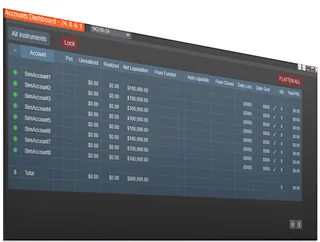
Account Risk Manager
Automatic daily-loss limits, drawdown tracking, and auto-liquidate protection

Accounts Dashboard Suite
Duplicate Account Actions + Account Risk Manager, in one dashboard
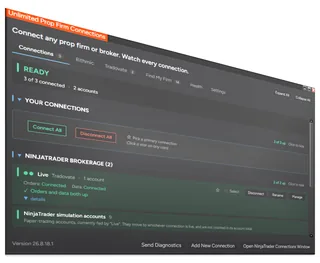
Unlimited Prop Firm Connections
Connect several Rithmic prop firm accounts at once in NinjaTrader 8
- More than one Rithmic connection at once
- Copy trades between Rithmic prop firms
- No second PC and no VPS required
- Manage and monitor every connection
Bundles
Save the most with our complete, ready-to-trade packages — everything you need in one purchase.
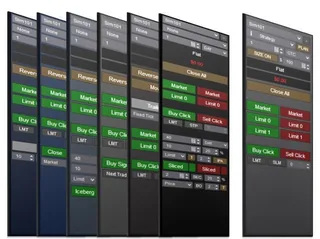
Professional Chart Trader Tools
Every Enhanced Chart Trader module, including the new AI Trading System Builder
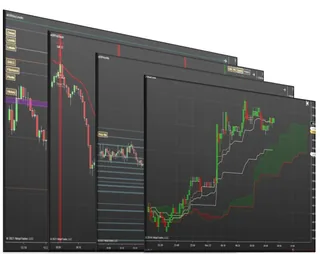
Support and Resistance Suite
All our support & resistance indicators plus 2 signal tools

Impact Order Flow Entry Orders
The complete Impact order-flow trading package
Enhanced Chart Trader
Supercharge your NinjaTrader Chart Trader with pro-grade order entry & exit tools.

Basic Chart Trader Tools
The affordable way to replace and upgrade the standard NinjaTrader Chart Trader

Essential Chart Trader Tools
Smarter order entry, ATM strategy planning, and position sizing features
Professional Chart Trader Tools
Every Enhanced Chart Trader module, including the new AI Trading System Builder

AI Trading System Builder
Describe a signal in plain English, see it on your chart, then arm it with one click in Enhanced Chart Trader

Close Bar Entry Orders
One-click buttons that submit your entry the moment a bar closes

Advanced Exit Orders Management
Set stop loss & profit targets based on ATR, previous bar high/low, indicators or fixed tick amounts

Bracket Entry Orders
Bracket the market with a buy above and a sell below to catch fast moves

Price Based Entry Orders
One-click entries that trigger at the price levels you set

Iceberg Entry Orders
Work large size discreetly by splitting it into smaller disclosed orders

Time Sliced Entry Orders
Break a large order into smaller portions released at timed intervals
Limit If Touched Orders
Keeps a limit order hidden until price is touched, then submits it
NinjaTrader Tools
Upgrade NinjaTrader itself: better-looking charts, faster navigation and tools that show what the platform is doing.
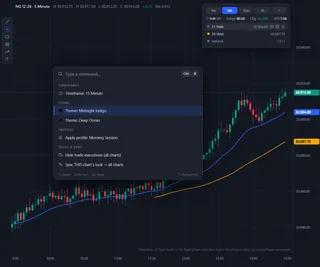
Chart Studio
A modern look and fewer clicks for NinjaTrader 8, with free chart cleanup and starter themes
- 15 chart themes, or build your own
- Heads-up display and Ctrl+K command palette
- Workspace Switcher and Chart Finder
- Free chart cleanup and starter themes
Support & Resistance
Spot the levels that matter — key levels, confluence zones, and price action.
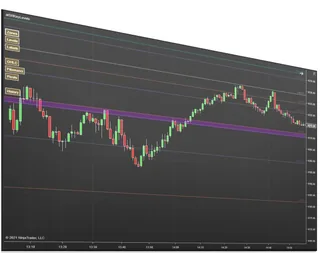
Key Levels Confluence
Merges pivots, Fibonacci, and key levels into high-reaction confluence zones
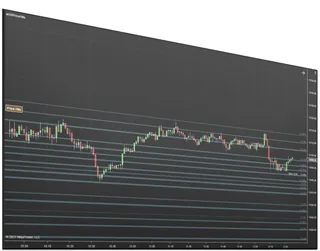
Price Action Confluence
Builds support and resistance zones from real price-reaction history
Support and Resistance Suite
All our support & resistance indicators plus 2 signal tools
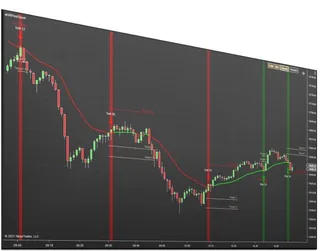
First Touch Signals
Signals, targets, and stops on the first touch of a moving average
Order Flow
Read the tape — volume, footprint, and order-flow based entries.

Order Flow Entry Orders
Semi-automated entries fired by stacked imbalances, blocks, and washouts
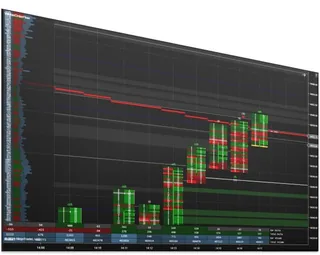
Impact Order Flow Indicator
Bid/ask, volume, delta, imbalances, and block trades in one customizable view
Impact Order Flow Entry Orders
The complete Impact order-flow trading package
Trend & Classic Indicators
Battle-tested classics, rebuilt better for NinjaTrader 8.
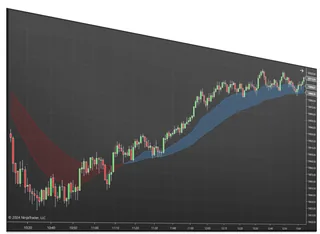
Best MAs Trend Indicator
Two moving averages with a filled trend zone and higher-timeframe views
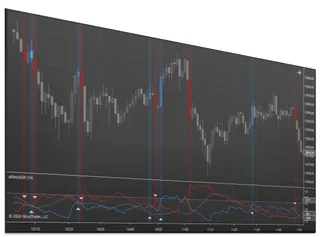
Best ADX Indicator
Measure how strong a trend is on a 0 to 100 strength scale
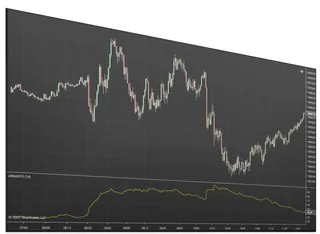
Best ATR Indicator
See how volatility is shifting by comparing current ATR to prior weeks
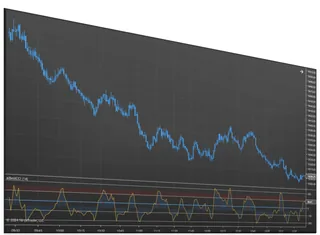
Best CCI Indicator
An oscillator that flags trend shifts and overbought or oversold turns
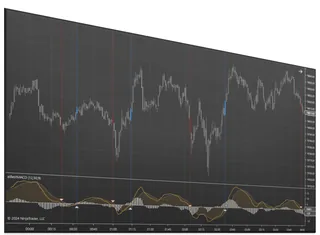
Best MACD Indicator
Read momentum from the MACD line, signal, and histogram
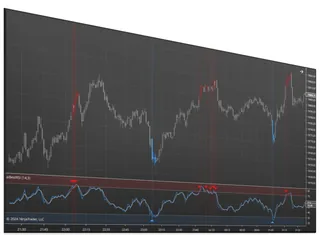
Best RSI Indicator
Spot overbought, oversold, and reversals with a flexible RSI
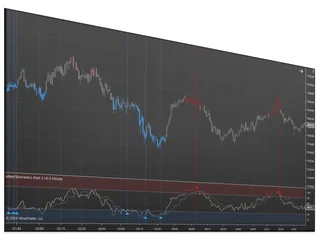
Best Stochastics Indicator
A momentum oscillator that flags turns before price moves
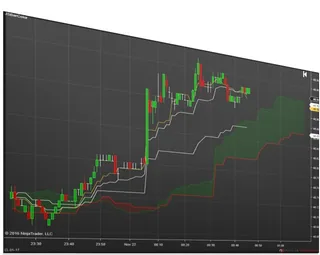
Ichimoku Cloud Signals
The full Ichimoku Cloud with up to five configurable signal arrows
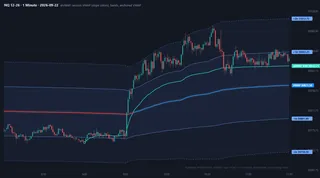
VWAP Studio
Plot session, weekly, monthly and anchored VWAPs with standard deviation bands and alerts on any…